

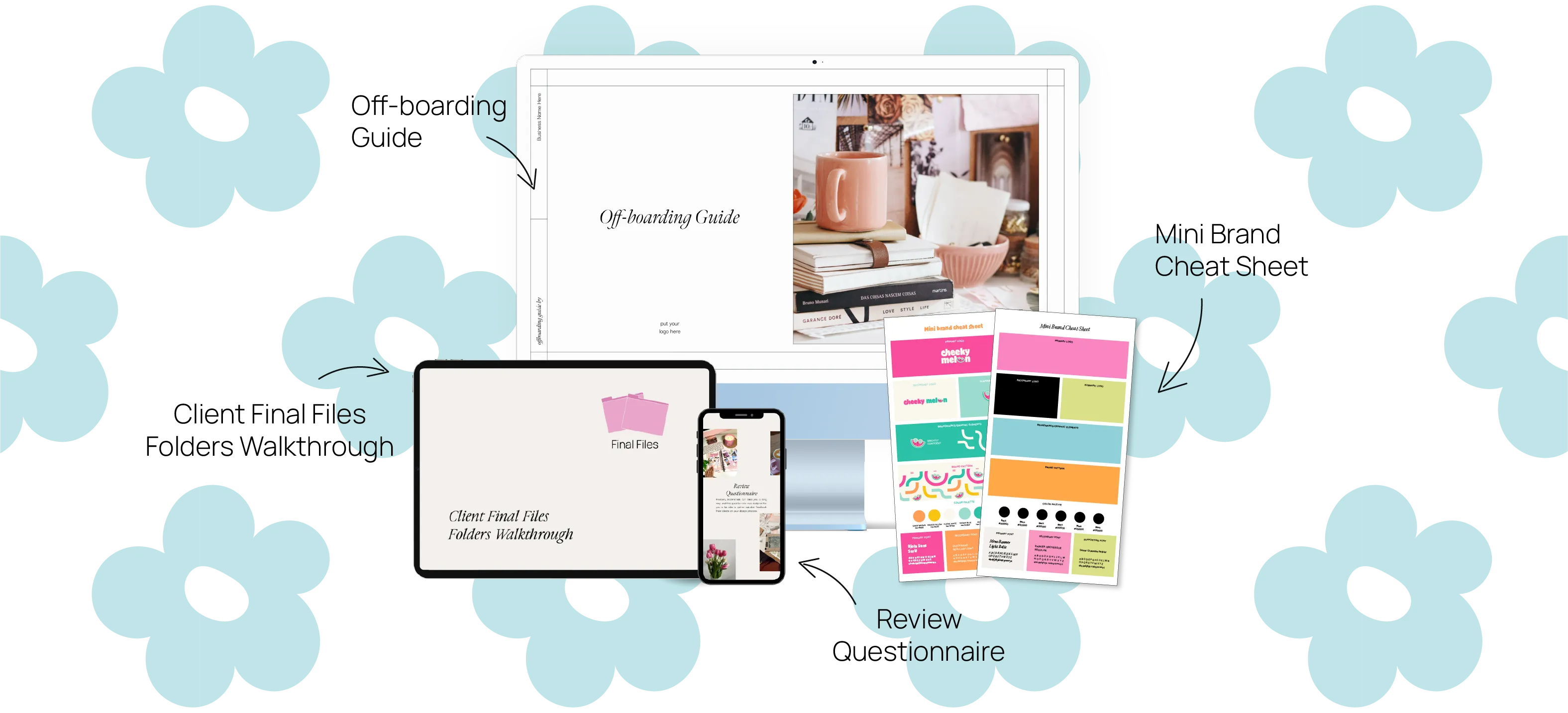
Introducing our free Mini Offboarding Bundle, your perfect companion for seamless client off-boardings! It includes, our proven off-boarding guide, a roadmap for a smooth goodbye, a client final files folders, showcasing our organization strategy and preferred filetypes, a versatile mini brand cheat sheet template, a quick reference for your clients' brand elements and lastly a review questionnaire to gather invaluable feedback and strengthen your client relationships.

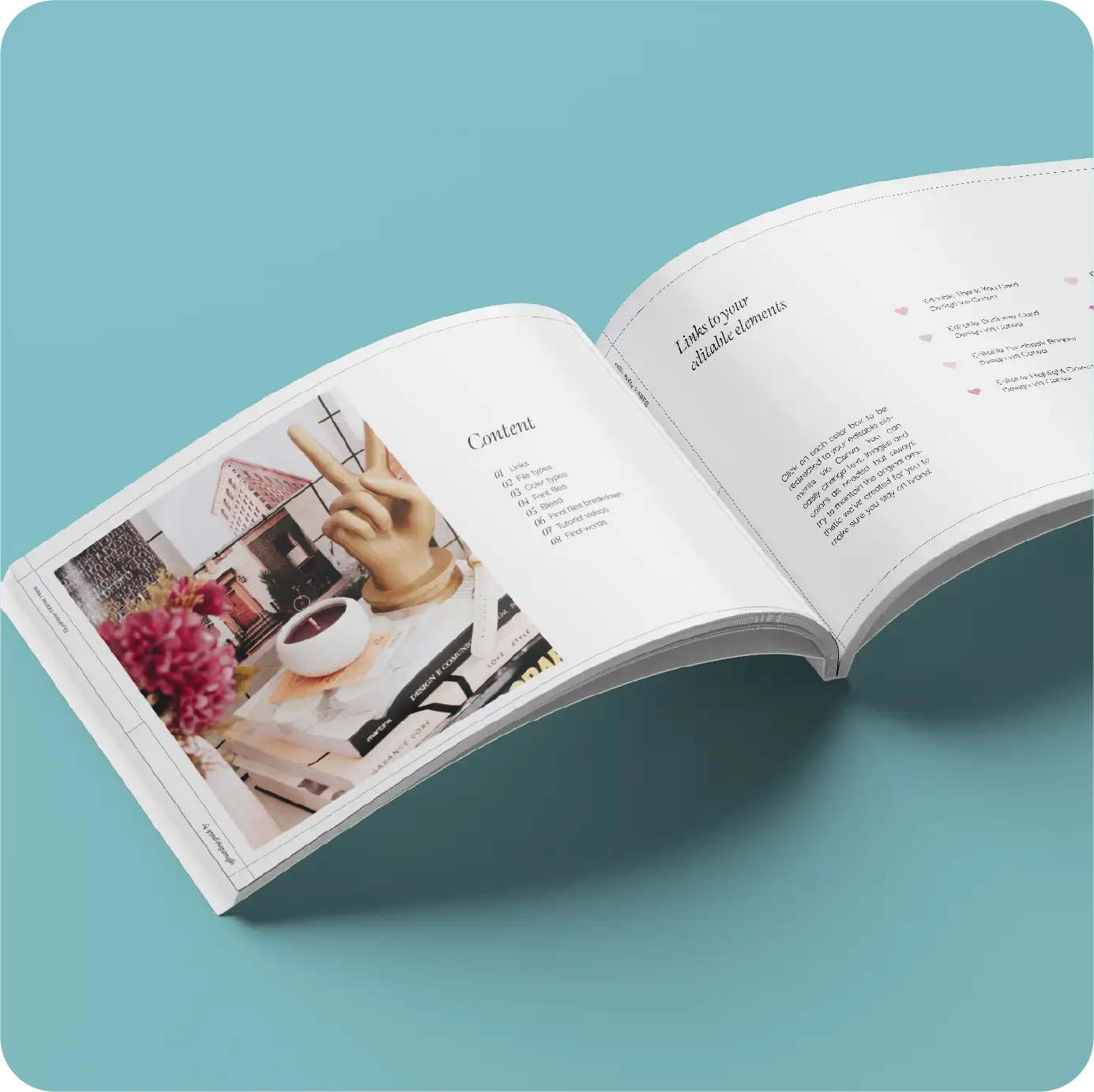
Our Off-boarding Guide ensures a professional and effective ending for client projects. It's natural for clients to feel overwhelmed with received files, making it the designer's role to clarify each element and usability.
What you need:
Adobe Illustrator or InDesign
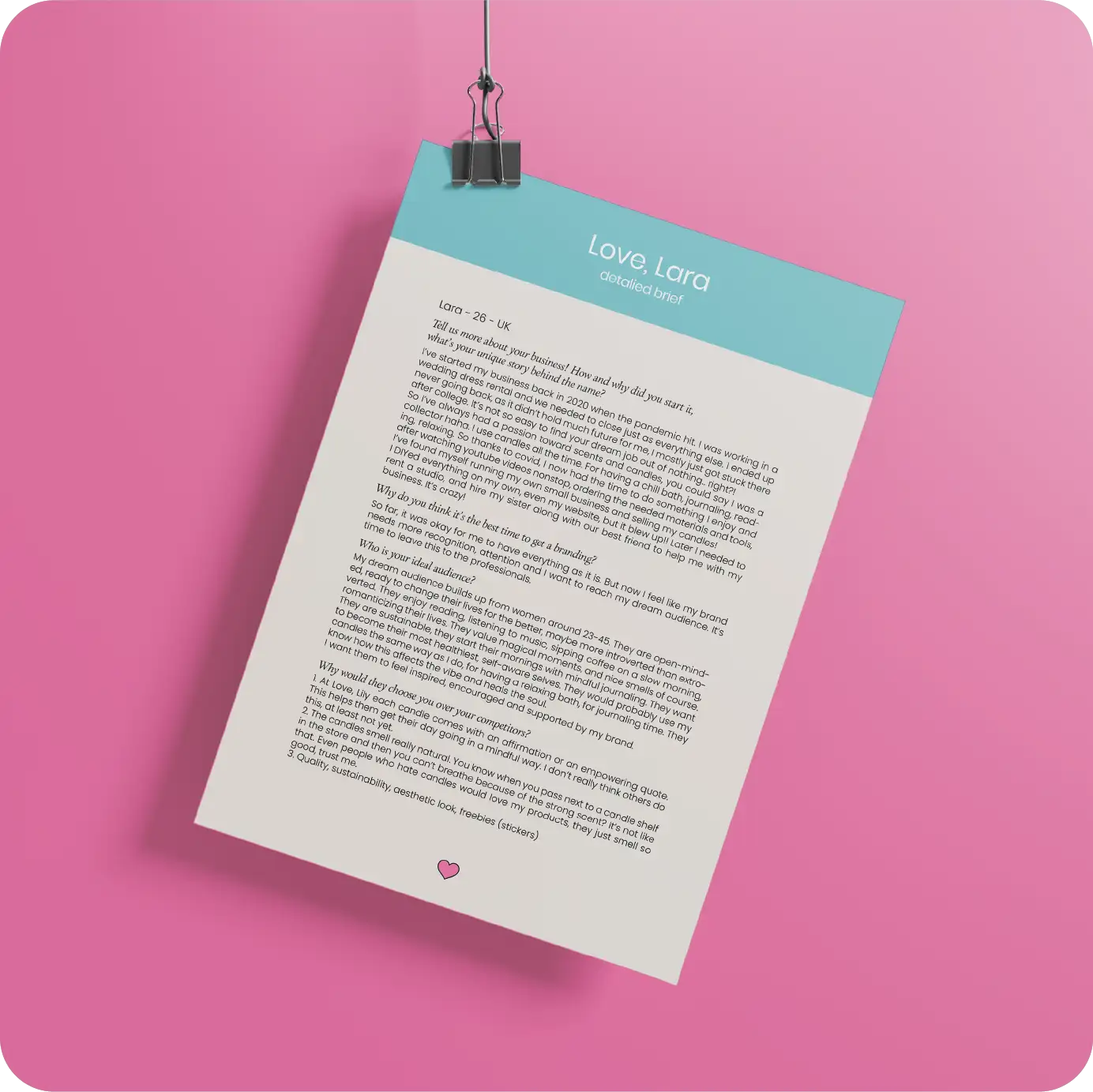
Such projects can help you refine your skills, showcase your unique style, and attract your ideal clients. They also serve as a platform for creating work that you love, which can in turn attract similar projects.
What you need:
Any software to open a PDF, Adobe Illustrator for the free mood board layout
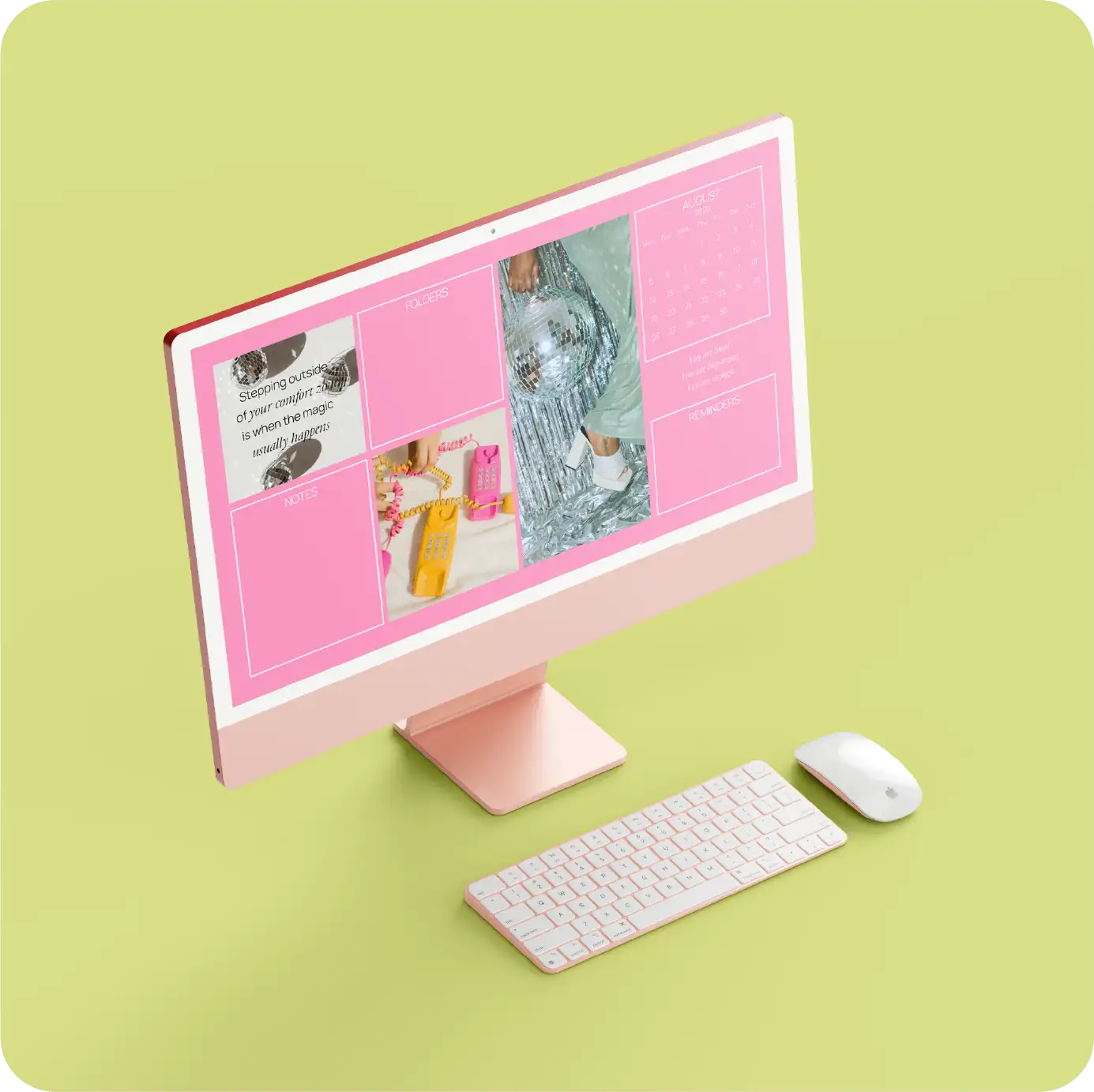
Are you like many of us, capturing screenshots, saving files, and jotting notes on your desktop We've developed a desktop organizer wallpaper to promote organization and add a touch of aesthetics to your computer screen. Feel free to personalize it with your preferred images, quotes, colors, and fonts. Don't forget to update the calendar section to match the current month.
What you need:
Adobe Illustrator or Canva account

This template allows you to explain every detail of your design, including logo variations and social media applications. It also offers pages to include mockups, showcasing your designs in real-life scenarios.
What you need:
Adobe Illustrator
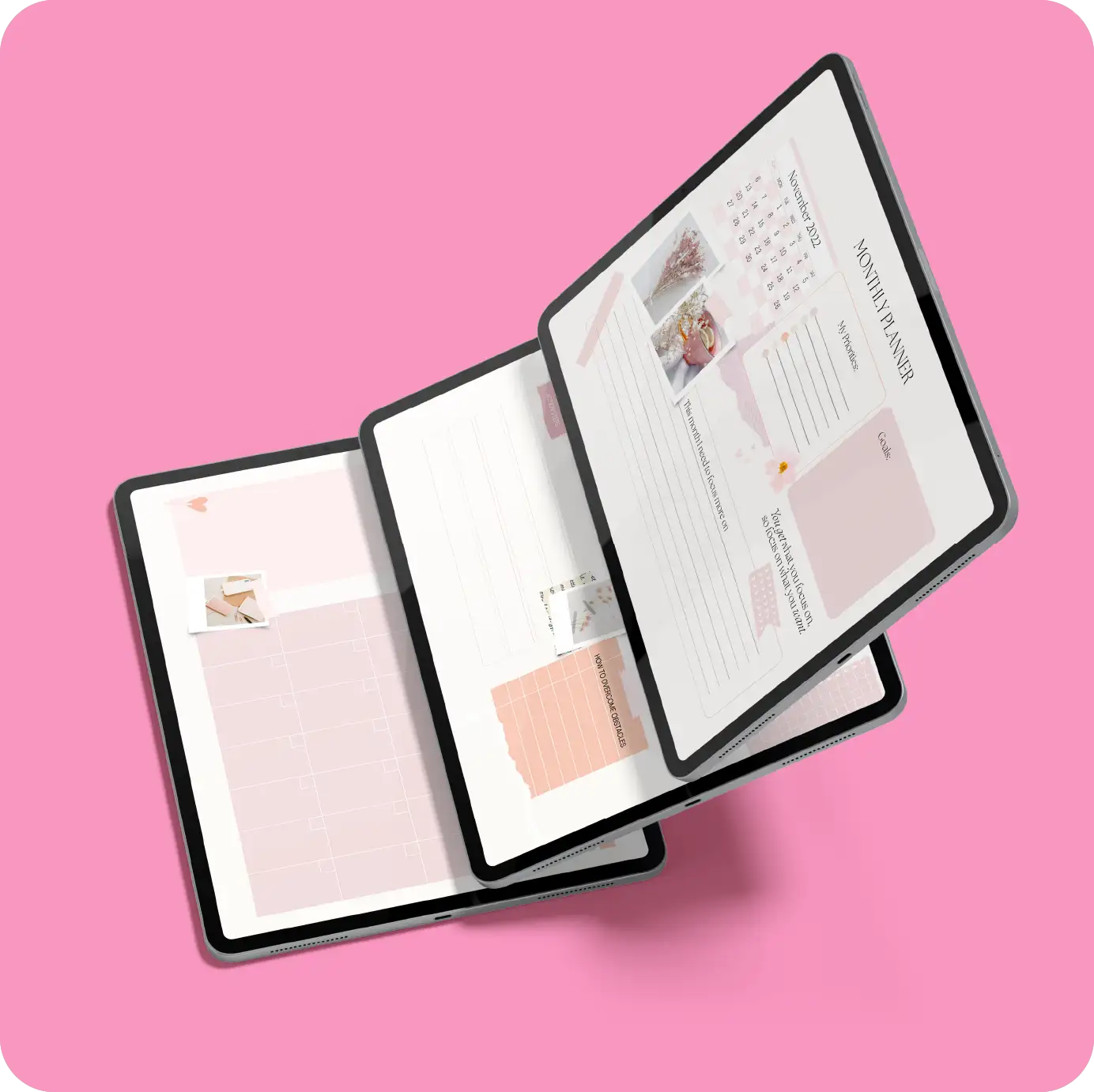
Do you enjoy planning your day, week, or month? I share this interest and often write down other things like monthly goals, income, expenses, personal reflections, and Instagram content plans. Managing a business can be exhausting, so I've created a detailed PLANNER BUNDLE to simplify tasks for myself and you!
What you need:
Canva account
Simply open them in Adobe Illustrator or InDesign, change the fonts and colors to match your brand, add in your own content and you're all good to go!
Adobe Illustrator files mostly include the images, while InDesign files have grey blocks to show where your photos need to go.
Each template includes a How to use pdf which will guide you through the 'tricky' parts if you are a beginner to the Adobe suite.
We're always happy to help! If you find yourself confused, feel free to reach out to us via an email so we can give you a further explanation.